Create tasks, assign them to your team, and keep track of what's done and what's not.
As an admin, you can create tasks, assign them to specific users, and monitor progress across your whole team - so nothing important gets missed.
Create and assign a task
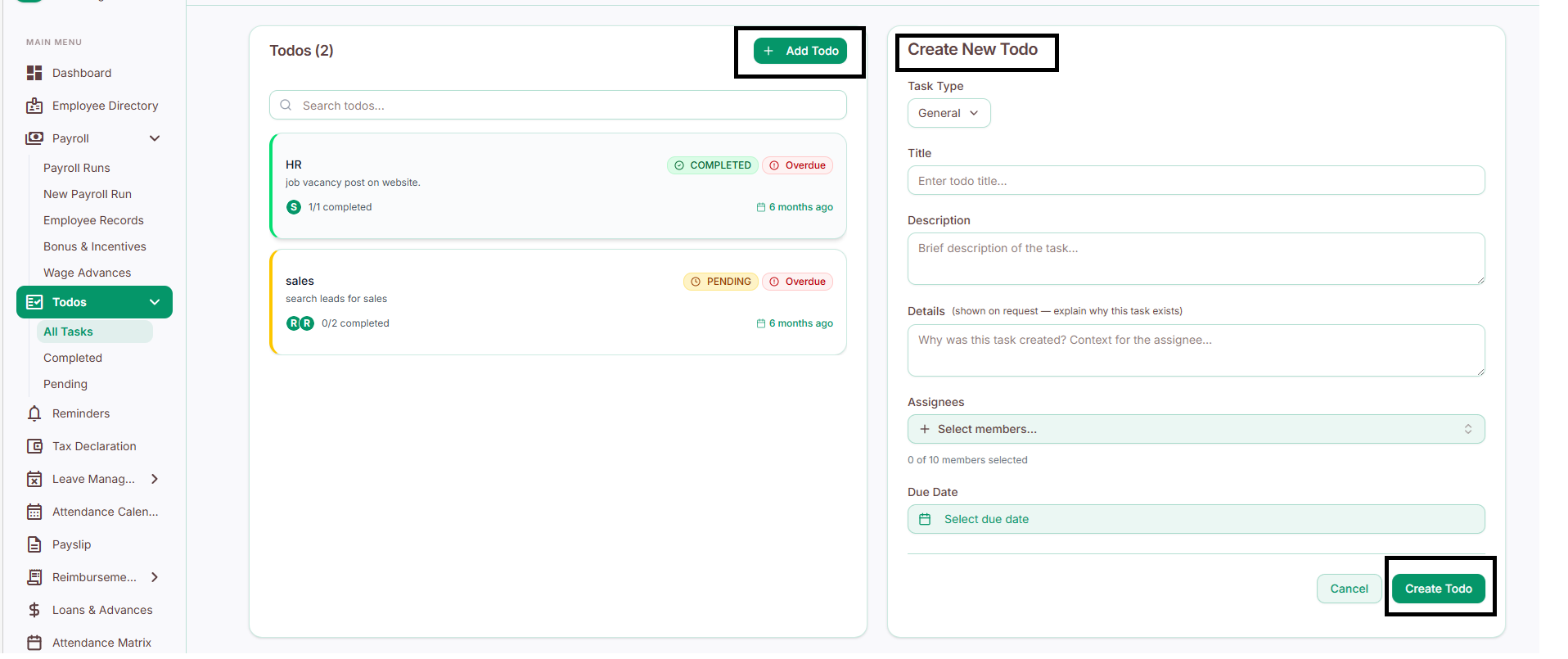
How to create a task
Go to To Do.
Click Add Tado
Enter the task details: title, description, details, due date.
Assign it to the relevant employee.
Click Create To Do.
The employee will now see this task in their own To Do view.
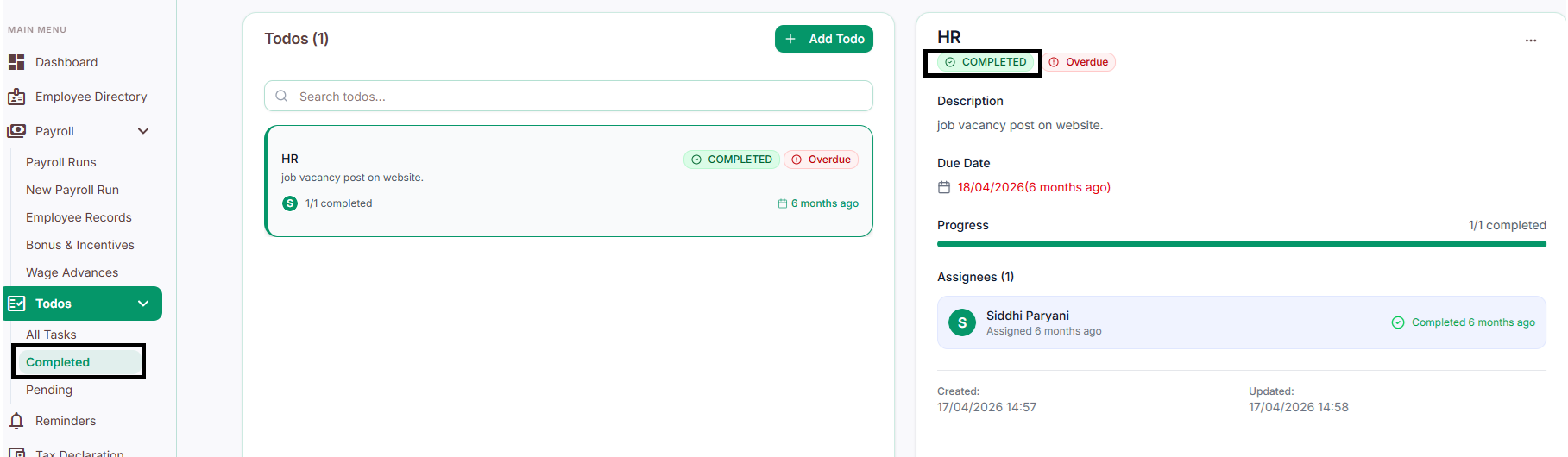
Completed tasks
View every task that's been finished - useful for confirming work is actually done and keeping a record of completed activity.
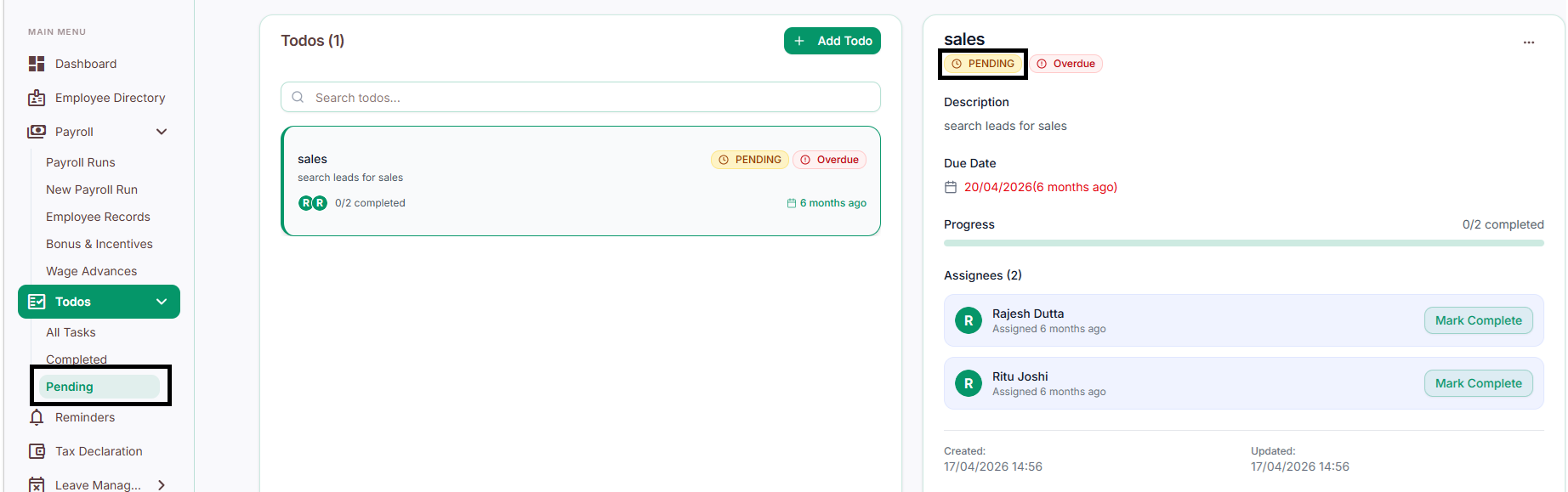
Pending tasks
View every task that's still incomplete across the team. Use this to see what's outstanding and follow up on anything that's falling behind.