
Employees declare their tax regime and details for the year; admins verify them - so payroll always deducts the right amount of tax.
The Tax Declarations module handles employee income tax declarations for a financial year. Employees declare their tax regime, HRA details, investments, and previous employer info; admins review and verify these before payroll is finalized - so tax deductions are accurate and compliant.
What you can do
Choose a tax regime (Old or New)
Submit HRA declarations
Declare tax-saving investments and deductions
Add previous employer information (if you switched jobs this financial year)
Track your declaration's review status
Admins can verify and approve declarations before payroll runs
Choosing a tax regime
PrimeHR supports both tax regimes under India's Income Tax Act. Employees choose one for the financial year.
Old Tax Regime
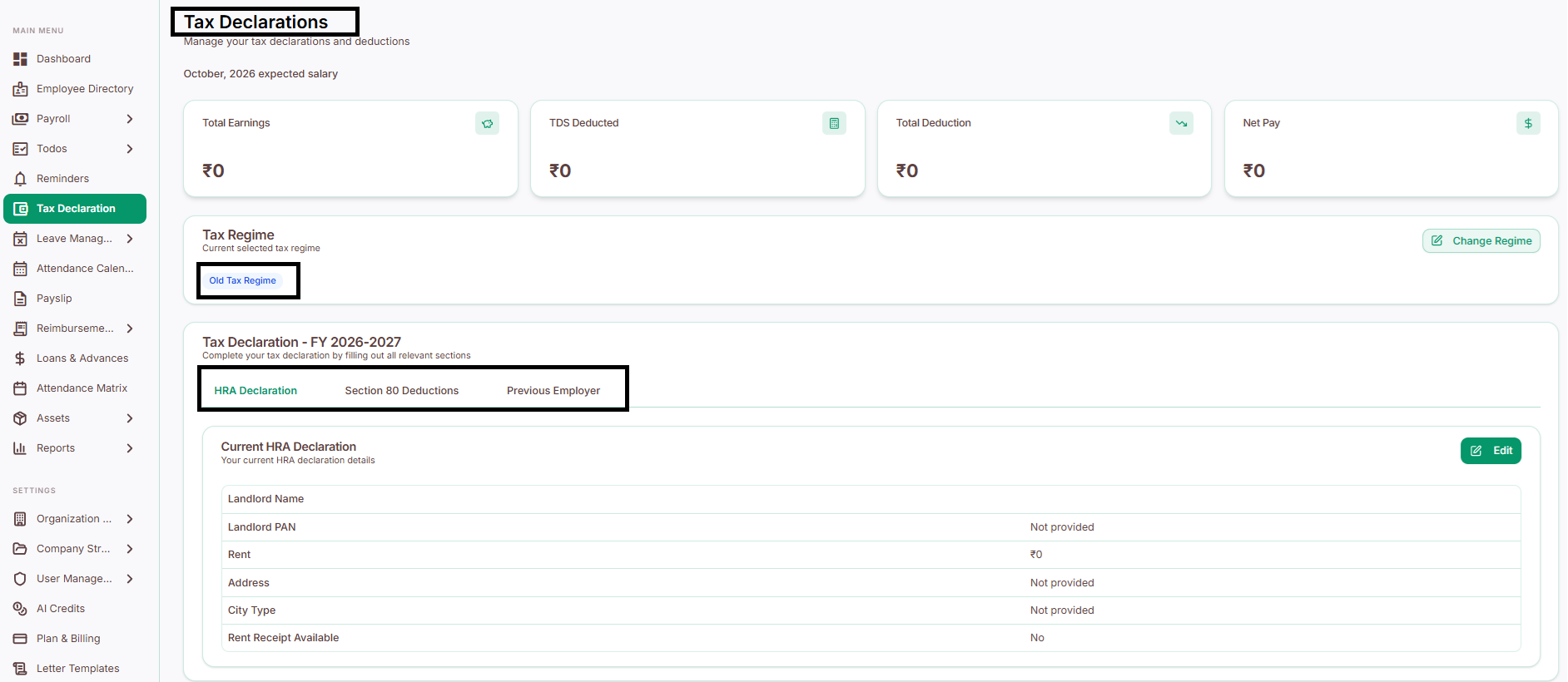
Lets you claim multiple exemptions and deductions - better suited if you have things to claim, like:
House Rent Allowance (HRA)
Section 80C investments (e.g., PF, ELSS, insurance)
Section 80D medical insurance
Home loan interest
Other eligible deductions
New Tax Regime
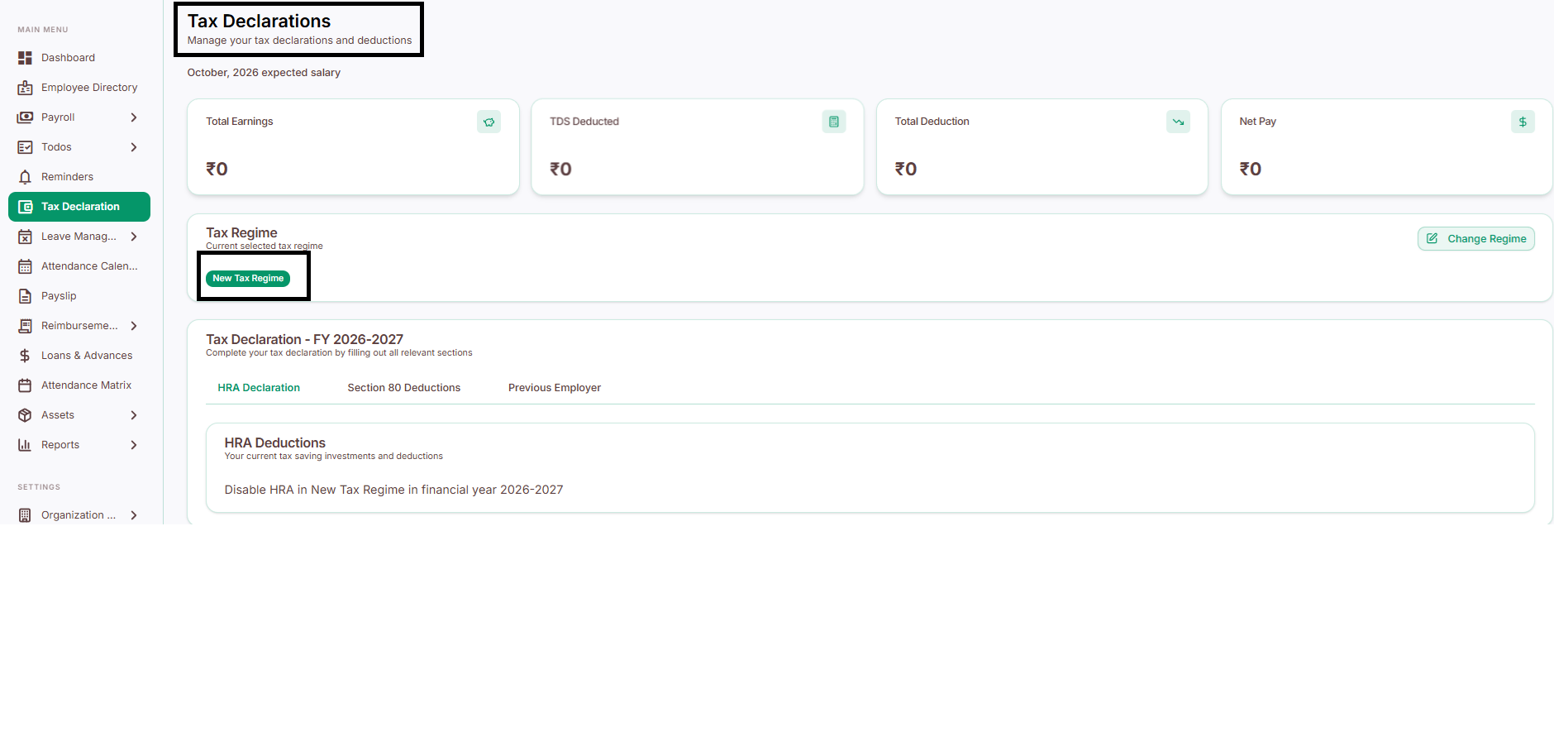
Offers lower tax slab rates but fewer exemptions - simpler, with less paperwork, but usually only better if you don't have many deductions to claim.
In short: if you have HRA, investments, or loans to claim, the Old Regime often works out cheaper. If you don't, the New Regime is simpler and may still save you money - check with your Finance team if you're unsure.
Why it helps
Employees submit tax declarations digitally - no paper forms
Supports both tax regimes, so employees can choose what suits them
Reduces manual calculation errors
Keeps a clean, centralized tax record for every financial year
Ensures accurate TDS (Tax Deducted at Source - the tax cut from your salary each month) calculation during payroll